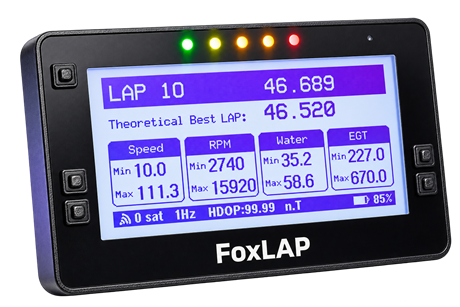
FoxLAP GPX
Import native FoxLAP sessions or any standards-compliant GPX file, ready for analysis and video overlays.
Ready to import
Transform raw racing data into precise analysis and broadcast-quality telemetry videos.
Create professional telemetry videos directly in your browser.
Load your onboard video, import FoxLAP GPX or GoPro telemetry, synchronize the session and build a polished telemetry overlay — entirely online. Nothing to download, install or update.
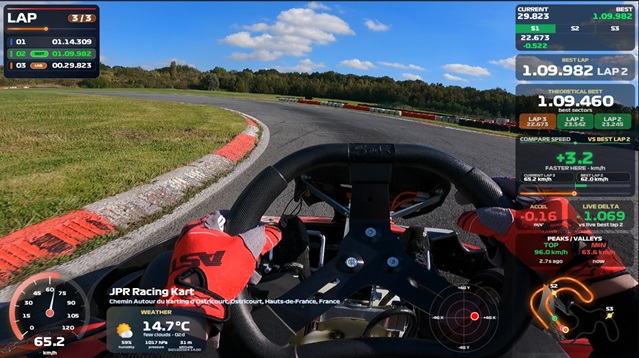
Install the complete FoxLAP telemetry production suite on your computer. Analyze racing lines, compare laps and create professional video overlays with speed, RPM, sector times, GPS trajectory, live delta and fully customizable dashboards. It is designed for motorsport enthusiasts, track-day drivers and competitive karting teams who want a powerful local workflow.

Bring your session into FoxLAP in its native format. Driver identity, timestamps, GPS positions and every available telemetry channel are preserved through the conversion.
Import native FoxLAP sessions or any standards-compliant GPX file, ready for analysis and video overlays.
Ready to importUse native AiM files or a RaceStudio CSV export with automatic detection of known channels and measurement units.
Converted automaticallyDrop in a complete Alfano session archive. FoxLAP reconstructs its laps, driver information and telemetry channels.
Reconstructed automaticallyNative imports, configurable data mapping and standards-based files keep your workflow open.
Map GPS, time, speed, RPM and sensor columns with their own units.
Import native XRK/XRZ sessions or CSV files exported from RaceStudio.
Use standards-based GPX and CSV telemetry in your video production chain.
Keep portable telemetry files for analysis, archiving and overlay creation.
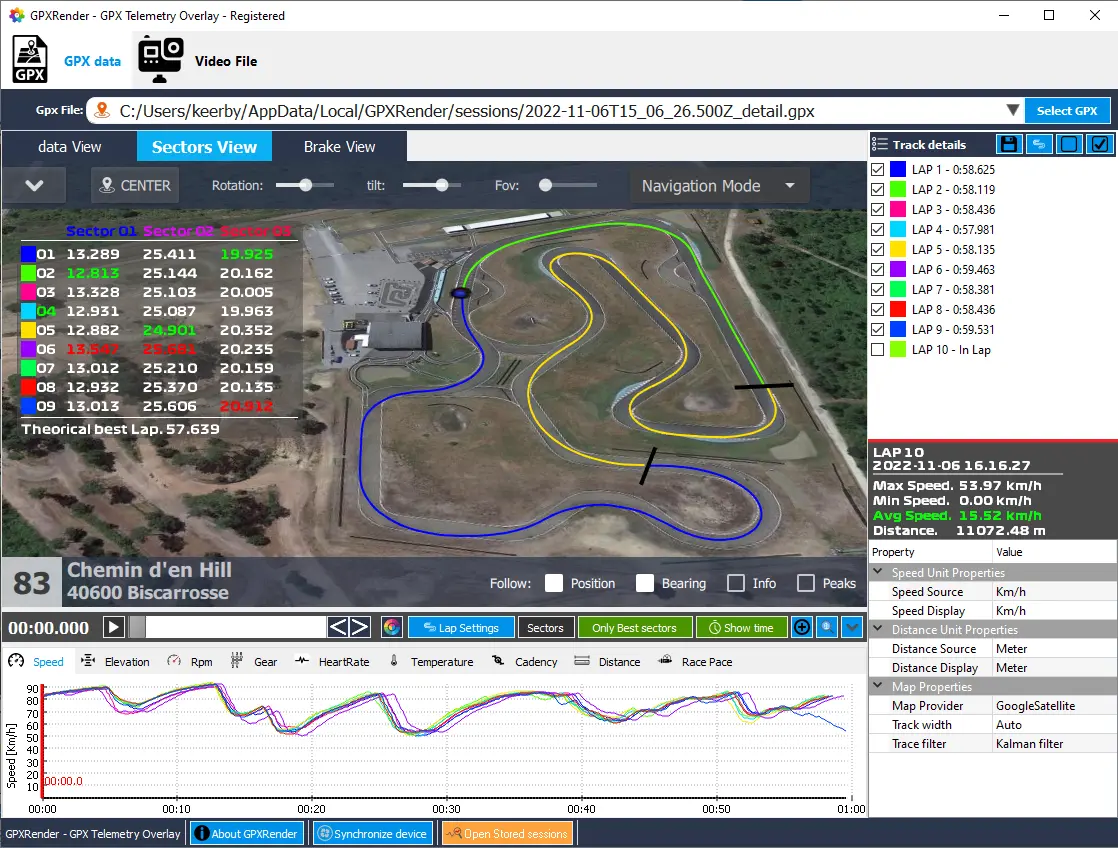
GPXRender – FoxLAP Studio transforms your GPS and telemetry data into stunning, immersive videos. Overlay customizable dashboards and gauges onto your footage to reveal your true performance on track. Whether you want to analyze your racing lines, share progress, or simply relive your best moments, FoxLAP Studio gives you all the tools you need—effortlessly.
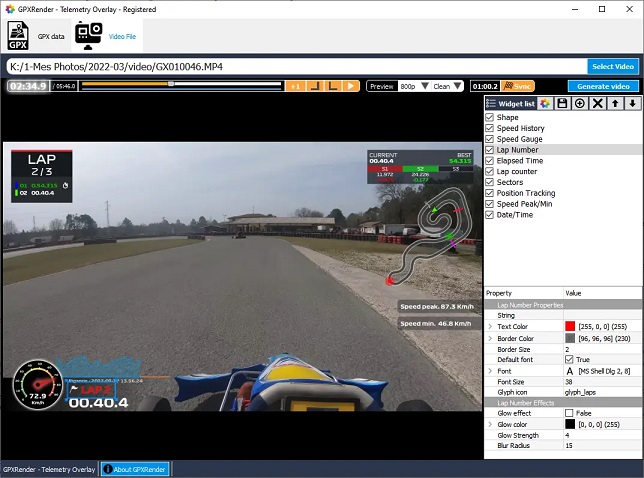
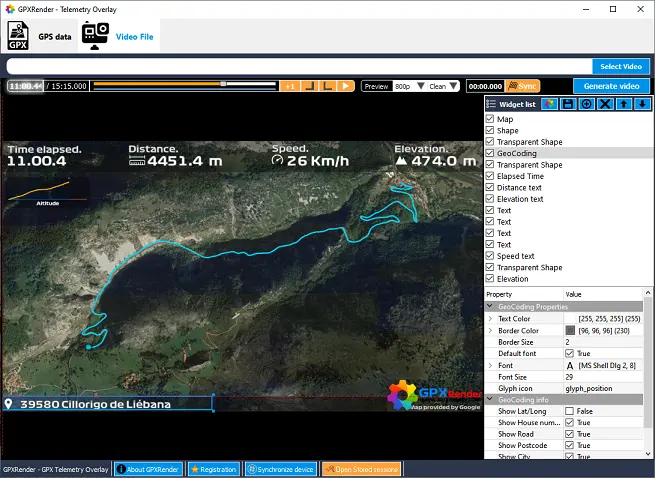
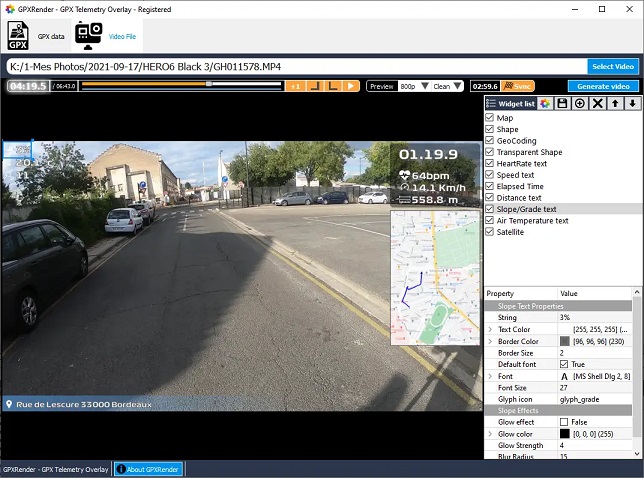
Visualize path, speed, time, distance, Altitude... Analyze your race. See Lap Time, Sectors, trajectories and many data recorded. Compatible with many GPS telemetry recorder devices such as GoPRO, Garmin, MyChron, Alfano..

Add an immersive view to your video by providing stats and real time data about the action as it unfolds on-screen. Create amazing and exciting video for viewers
Visualization of the route you have taken. See your location as you move along the path. See your trajectories on a projected map.
Create amazing race videos with laps, sectors and many metadata. Create your video like a PRO